
Build a faster new tab workspace for search, launch, prompts, and daily flow.
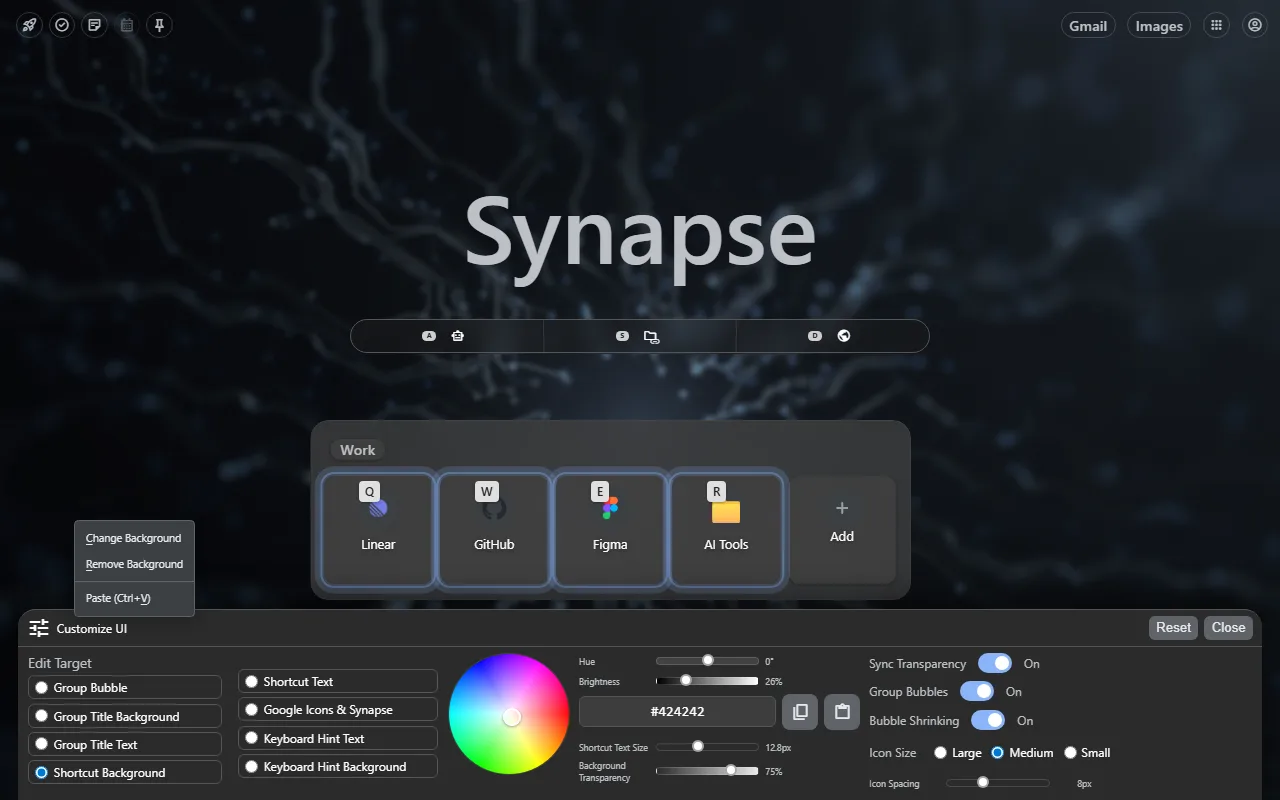
Turn every new tab into a configurable workspace where frequent destinations, search modes, saved prompts, widgets, and pinned tools stay visible.
How it works
A shorter path from intent to finished work.
- 01
Shape the workspace
Choose the layout, visual treatment, panels, and controls that belong in your daily browser start point.
- 02
Keep launch paths visible
Place frequent destinations, search modes, widgets, and pinned apps where they stay one move away.
- 03
Carry the workflow onto live pages
Open the Synapse sidebar when the task moves from launching into reading, extracting, or prompting.
FAQ
Before you install.
Clear answers about what Synapse does and how it fits into Chrome.
Does Synapse replace the Chrome New Tab page?
Yes. Installing and enabling Synapse gives Chrome a customizable New Tab workspace.
Can I customize the layout?
Yes. Synapse includes layout, visibility, spacing, background, and panel controls for the New Tab workspace.
Is Synapse only a New Tab extension?
No. It also includes a live-page sidebar, Prompt Library, YouTube Extract, search, and quick-access workflows.
Put this workflow one click away.
Install Synapse from the Chrome Web Store and keep the tools you reuse inside the browser.