New tab workspace
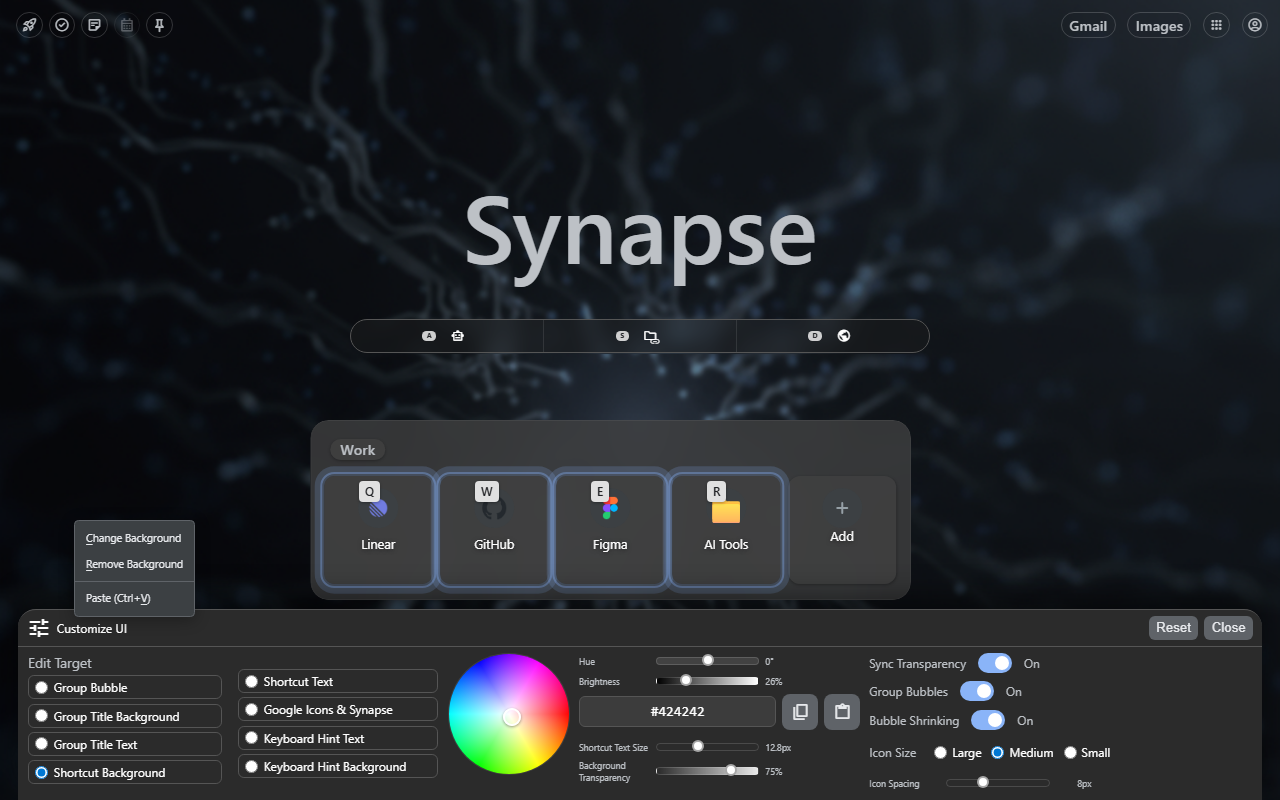
The core surfaces are not abstract features — they are visible working zones.
Center search, launch groups, and research destinations stay in the same product view, so the start screen already tells you where work should go next.
Synapse keeps source context, reusable tools, and the next AI step in one place — so the work moves, not your attention.
How Synapse works
Synapse is not just a start screen. It is a working rail next to the page you are already on, so the jump from source material to the next move is short and obvious.
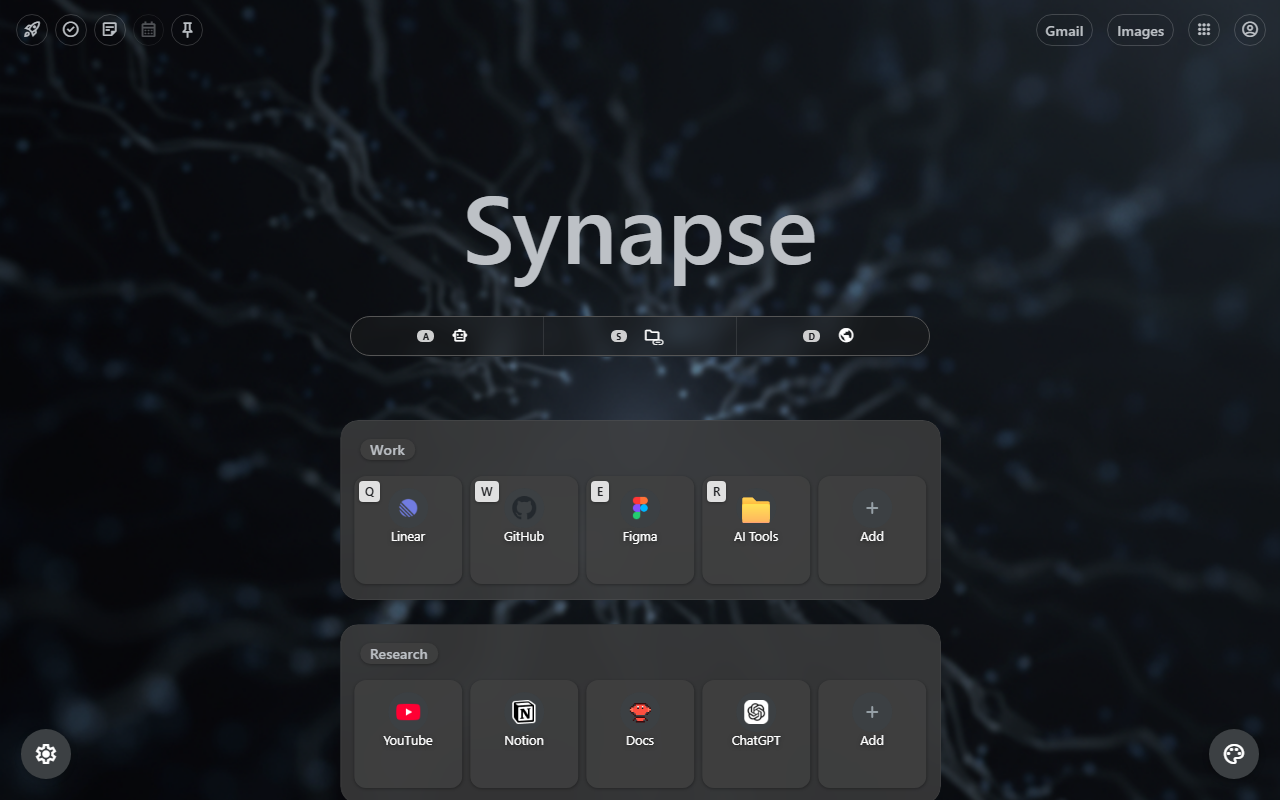
New tab workspace
Center search, launch groups, and research destinations stay in the same product view, so the start screen already tells you where work should go next.
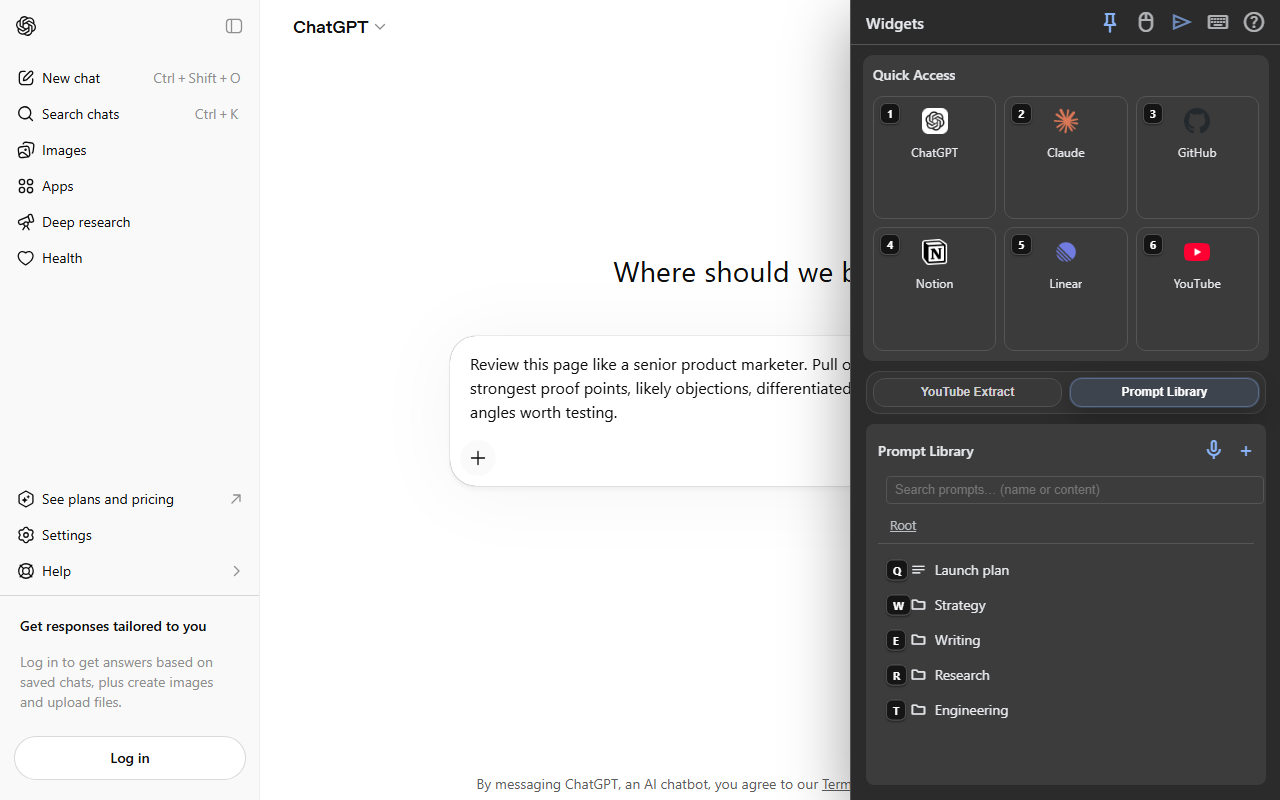
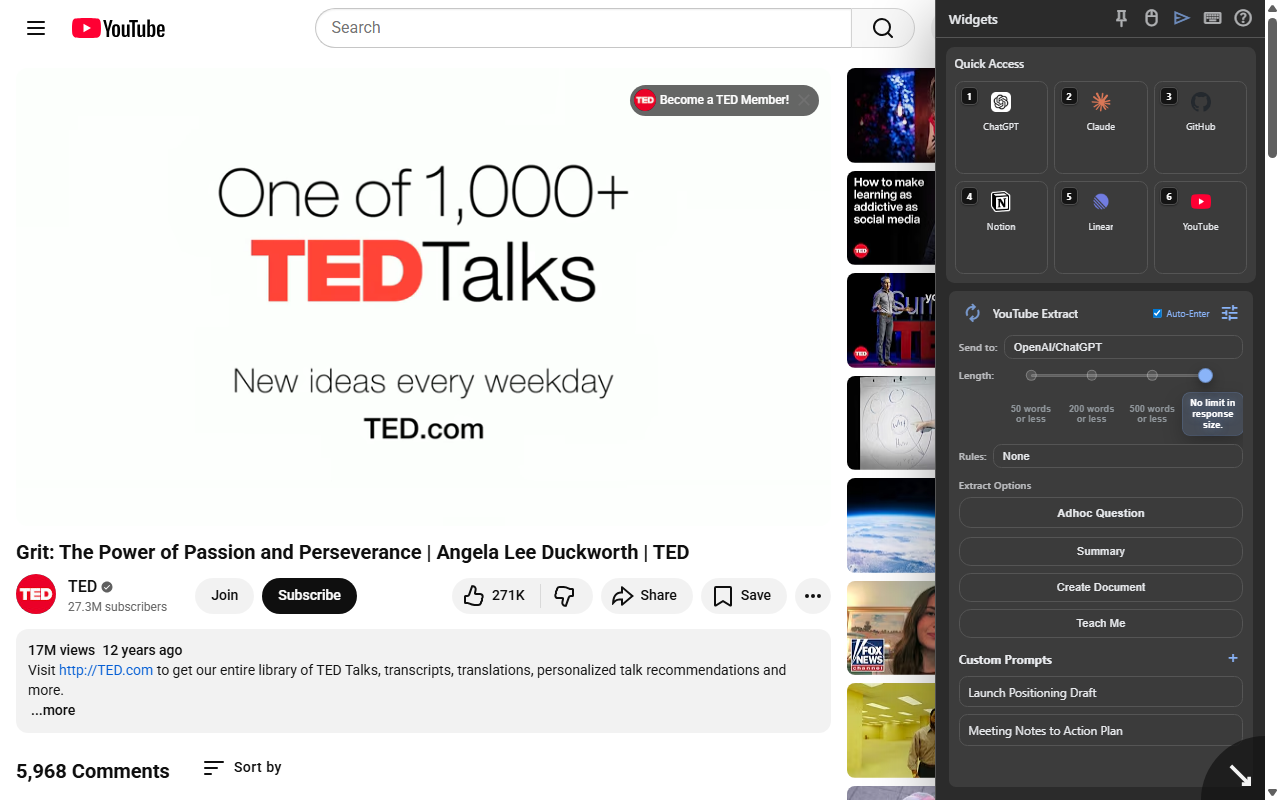
Sidebar workflow
Synapse keeps the page, reusable actions, prompt folders, and destination chat in one continuous handoff instead of making you rebuild context by hand.
Workflow in motion
The value is not the UI by itself. It is starting faster, extracting with evidence still visible, and handing repeatable instructions to AI without rebuilding context.
Workspace assembles
The sell is speed to orientation: your launch groups, search modes, and recurring tools are already laid out, so opening a new tab immediately answers “where do I go next?”
Sidebar slides in
The sell is evidence-preserving extraction: summarize, teach, document, or ask a custom question from the page you are actually viewing instead of copying fragments into another app.
Prompt handoff
The sell is consistency: pick the same proven instruction from the sidebar, attach the source context, and send it into the AI surface without retyping the prompt or re-explaining the task.
Prompt Library
Save prompts in folders, then send them straight into supported AI chats with their context already attached. Stop pasting the same instructions every time.
Context attached. Summary ready.
Drafted with source tone preserved.
Action items extracted.
Plain-English version generated.
Connected browser map
Synapse keeps browser context connected to the files, pages, videos, and AI tools that already shape your work.
Live page workflow
The strongest Synapse moment is not a dashboard. It is being on a real page, opening the sidebar, and turning the current source into reusable output without breaking context.
Quick launch workspace
A new tab that holds search, shortcuts, widgets, and saved prompts without turning into an empty dashboard. The useful stuff stays one move away.
Snappy preview
Capture, transform, reuse, and hand off short pieces of context without losing the larger workflow.
Trust surface
The install path, privacy posture, security page, and support route stay visible from the first visit.
The privacy page is visible from the main navigation and explains the product posture before anyone commits.
Visitors can find support, contact, and product help without guessing where the company stands behind the tool.
The security page sits beside the install path, which makes the extension easier to evaluate seriously.
Install Synapse and try the research-to-action workflow on the next page you open.